How To Fix Broadcom 4311 in Ubuntu 12.04/ 14.04
Previously You check in terminal
1
$ lspci | grep BCM
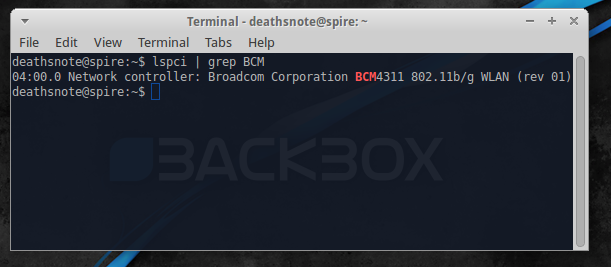
04:00.0 Network controller: Broadcom Corporation BCM4311 802.11b/g WLAN (rev 01)
If yes,continue to process this
Remove the BCM driver (standart SAT) in the kernel.
Go to terminal command:
1
$ sudo apt-get remove bcmwl-kernel-source
Install alternative driver
1
$ sudo apt-get install firmware-b43-installer b43-fwcutter
Restart Computer
1
$ sudo reboot
Good luck..
This post is licensed under CC BY 4.0 by the author.