How To Reset Root Password on Ubuntu 16.04
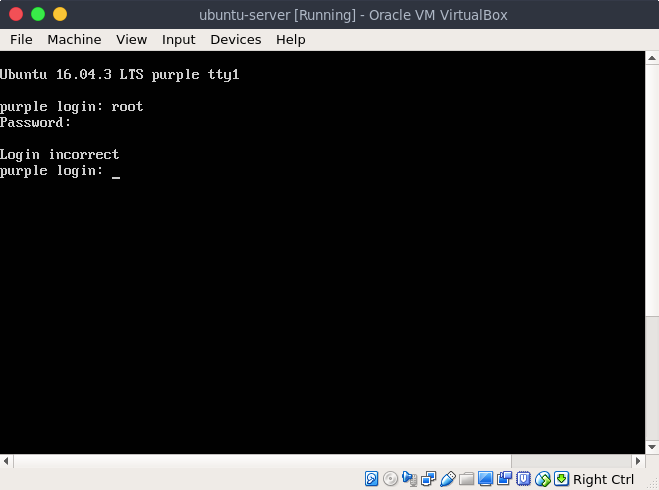
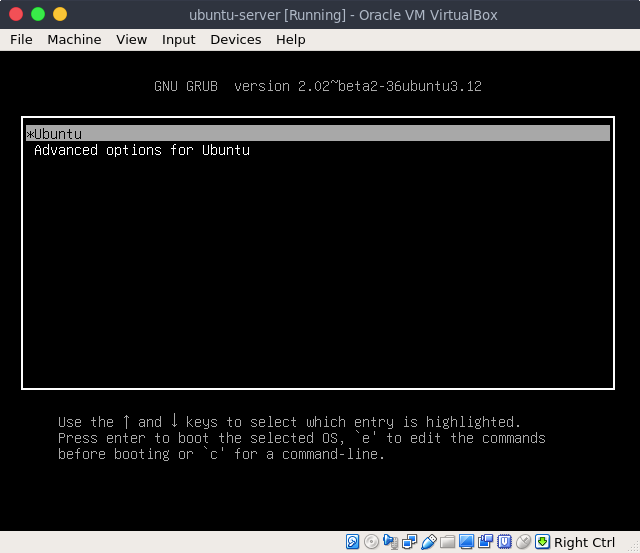
Edit Grub Menu with press “e”
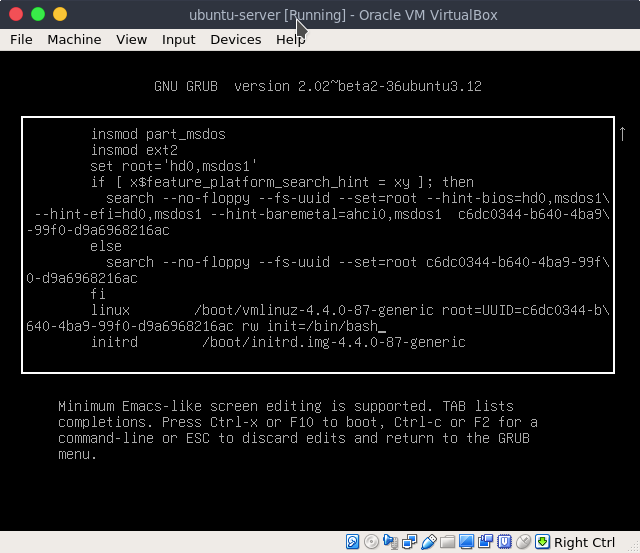
Find the line “linux” and add script below at the end of that line
1
rw init=/bin/bash
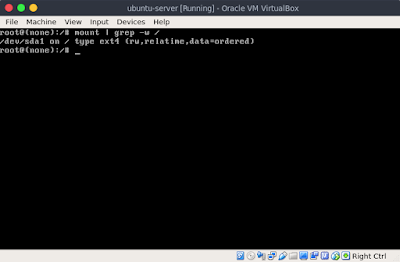
Mount with to see read/write flags
1
root@(none):/# mount | grep -w /
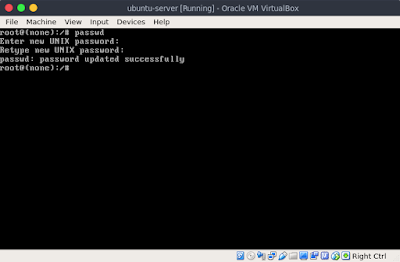
Reset password with command below
1
root@(none):/# passwd
Reboot your system
1
root@(none):/# exec /sbin/init
This post is licensed under CC BY 4.0 by the author.