Introduction to the Docker Volumes
Volumes are the preferred mechanism for persisting data generated by and used by Docker containers. While bind mounts are dependent on the directory structure of the host machine, volumes are completely managed by Docker. Volumes have several advantages over bind mounts:
- Volumes are easier to back up or migrate than bind mounts.
- You can manage volumes using Docker CLI commands or the Docker API.
- Volumes work on both Linux and Windows containers.
- Volumes can be more safely shared among multiple containers.
- Volume drivers let you store volumes on remote hosts or cloud providers, to encrypt the contents of volumes, or to add other functionality.
- New volumes can have their content pre-populated by a container.
In addition, volumes are often a better choice than persisting data in a container’s writable layer, because a volume does not increase the size of the containers using it, and the volume’s contents exist outside the lifecycle of a given container. source: https://docs.docker.com/storage/volumes/
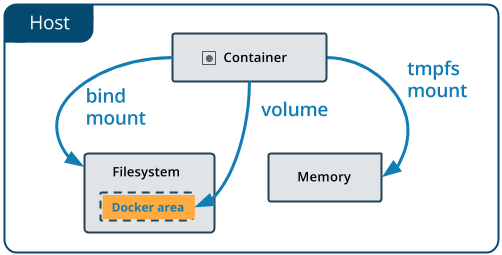
Create docker volume:
1
sudo docker volume create test-volume
see volumes
1
sudo docker volume ls
see volume detail
1
sudo docker volume inspect test-volume
run container with volume
1
sudo docker run -d — name=nginxtest -v test-volume:/usr/share/nginx/html nginx:latest
see IP address container
1
sudo docker inspect nginxtest | grep -i ipaddress
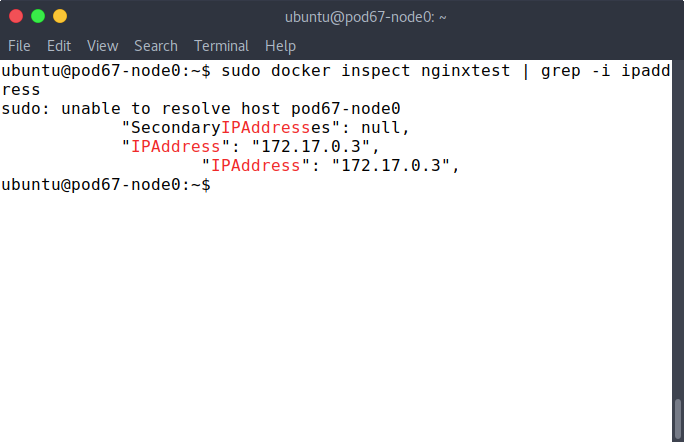
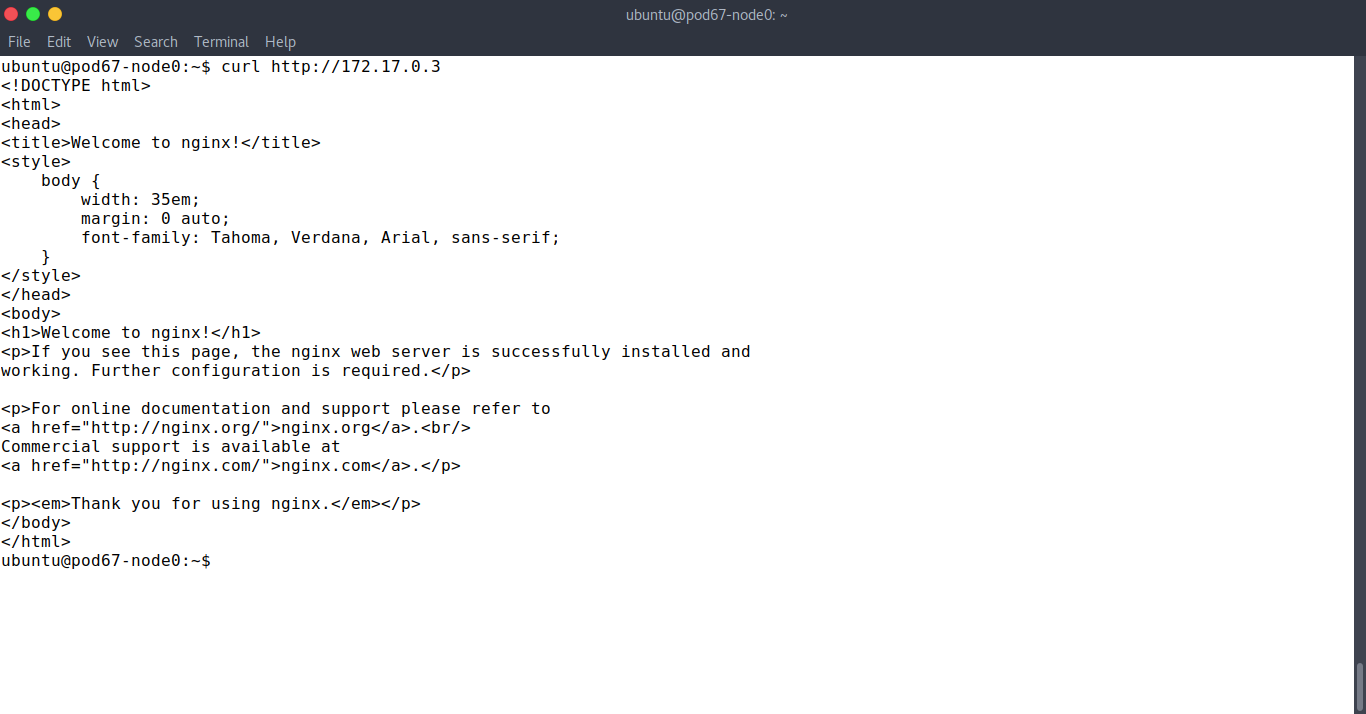
Test browsing app
curl http:172.17.0.3
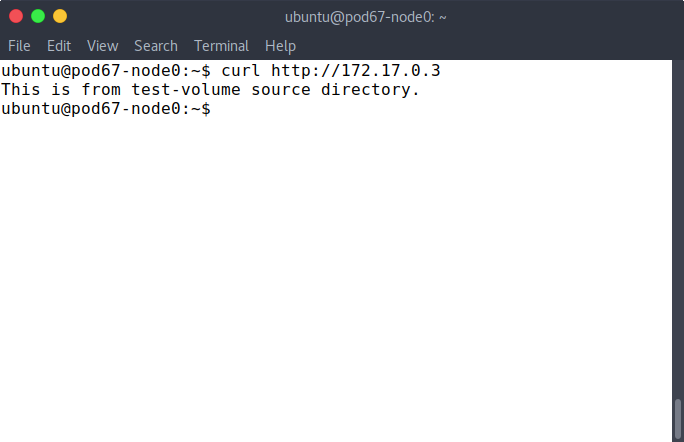
Create file index.html and move to source volume directory
1
2
sudo echo "This is from test-volume source directory." > index.html
sudo mv index.html /var/lib/docker/volumes/test-volume/_data
Then test again
Run container with read only volume
1
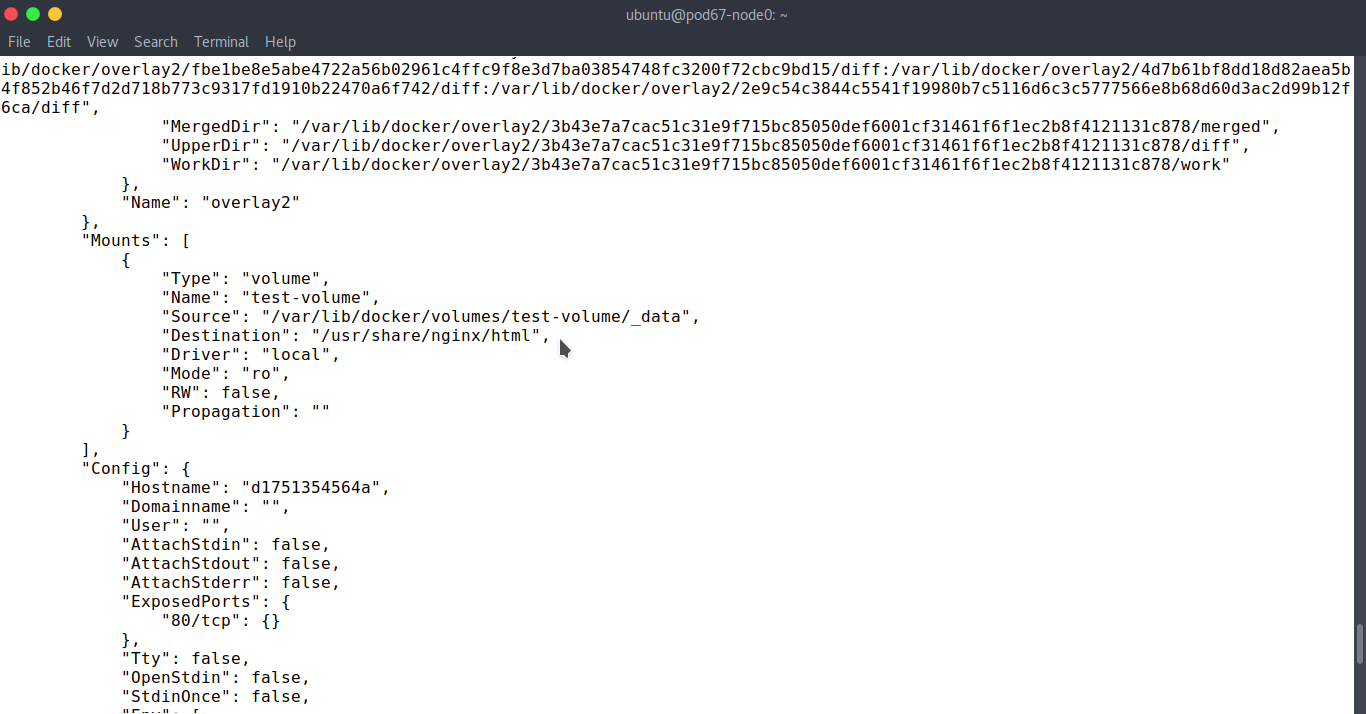
sudo docker run -d — name=nginxtest-rovol -v test-volume:/usr/share/nginx/html:ro nginx:latest
view nginx container detail
Let’s move on to part 2 volume driver is here.
reference : https://docs.docker.com/storage/volumes/