Use Volume Driver on Docker
We will use volume driver on Docker
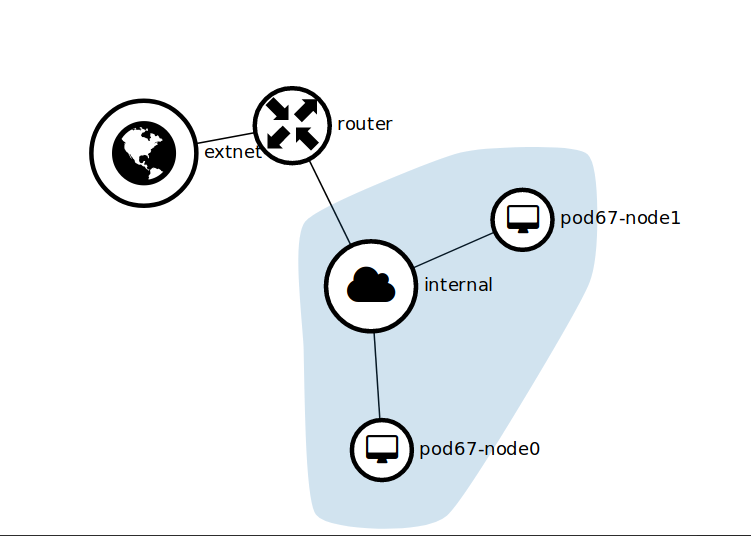
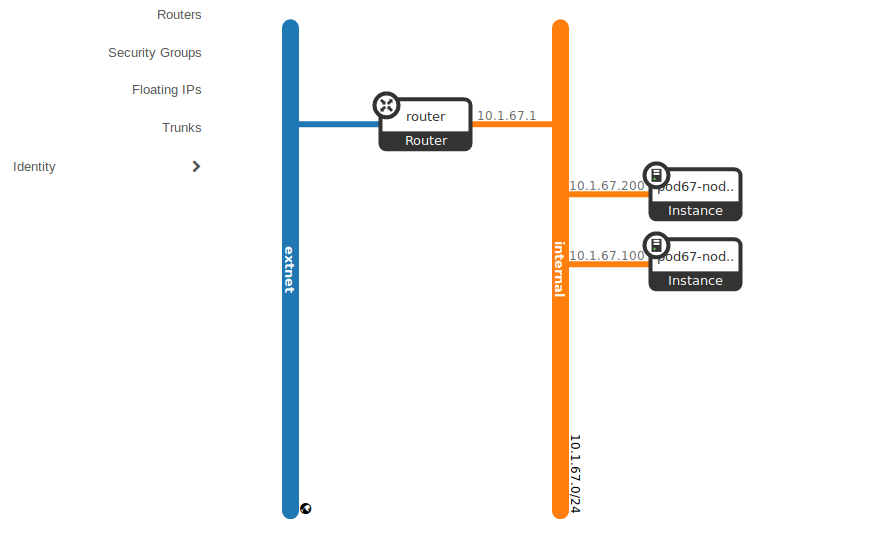
I use two instance for volume driver
SSH to pod67-node1 floating IP from pod67-node0
1
ssh -l ubuntu 10.1.1.13
create /share directory
1
sudo mkdir /share
change directory permission
1
sudo chmod 777 /share
exit from pod67-node1
1
exit
Install plugin sshfs
1
sudo docker plugin install --grant-all-permissions vieux/sshfs
View plugins
1
sudo docker plugin ls
Disable plugin
1
sudo docker plugin disable [PLUDIN ID]
Set plugin
1
sudo docker plugin set vieux/sshfs sshkey.source=/root/.ssh/
Enable plugin
1
sudo docker plugin enable 86d094668892
View plugins
1
sudo docker plugin ls
Create volume with driver sshfs
1
sudo docker volume create — driver vieux/sshfs -o sshcmd=root@10.1.1.13:/share -o allow_other sshvolume
run container with volume
1
sudo docker run -d — name=nginxtest-ssh -p 8090:80 -v sshvolume:/usr/share/nginx/html nginx:latest
SSH to pod67-node1
1
ssh -l 10.1.1.13
Add text to file index.html
1
sudo sh -c "echo 'Hello, I am hakim' > /share/index.html"
See index contents
1
sudo cat /share/index.html
exit from pod67-node1
1
exit
Docker ps
1
sudo docker ps
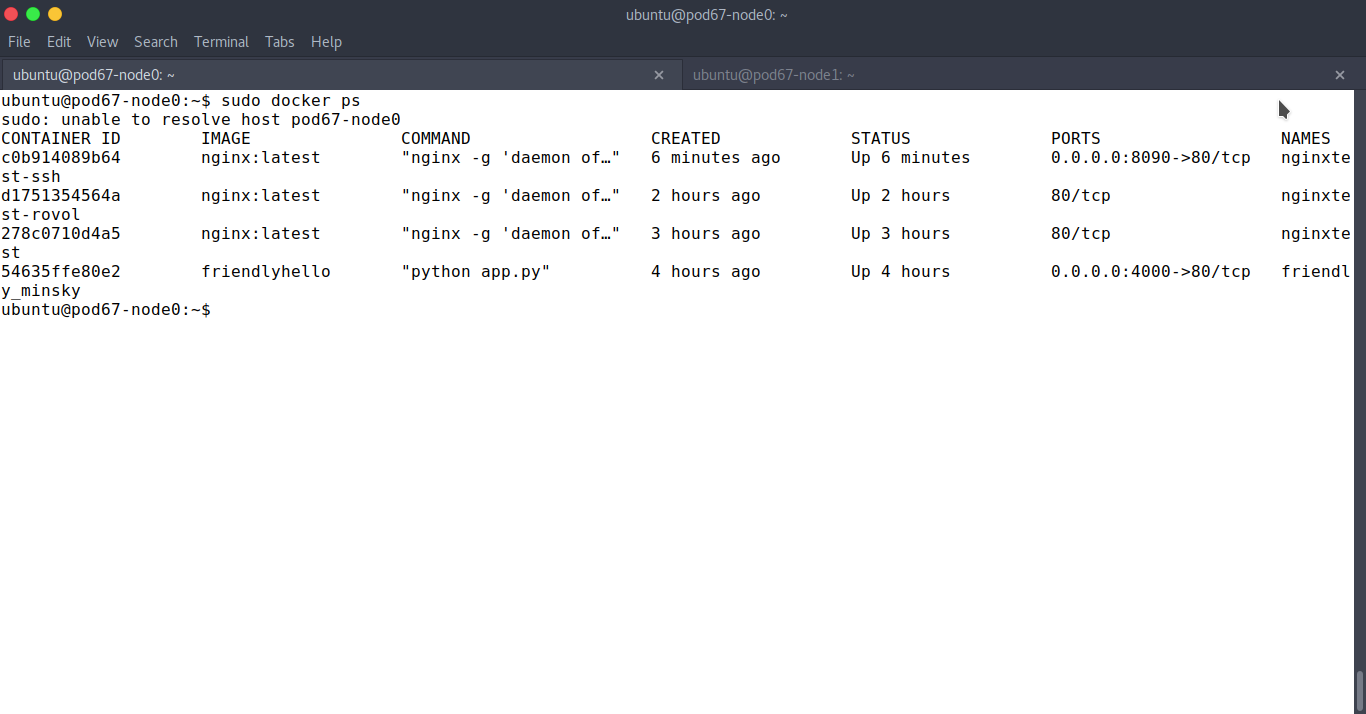
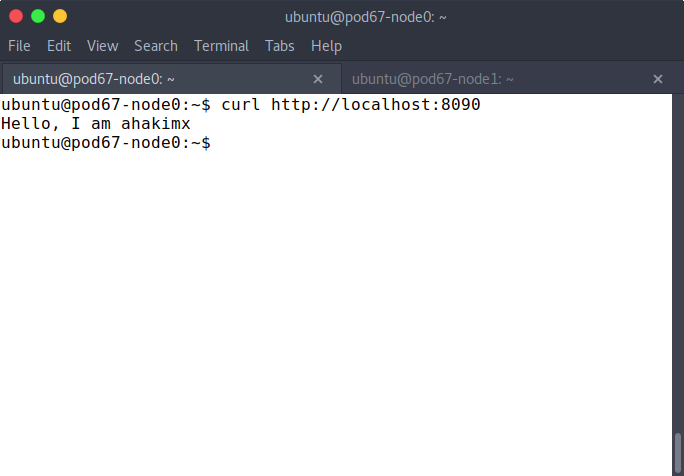
test the container
let’s back to part 1, introduction to docker volumes
This post is licensed under CC BY 4.0 by the author.